Send to Case – File Management
Get a Clio product walkthrough. Request a demo.

Key benefits for your firm
-


File management without the download and re-upload
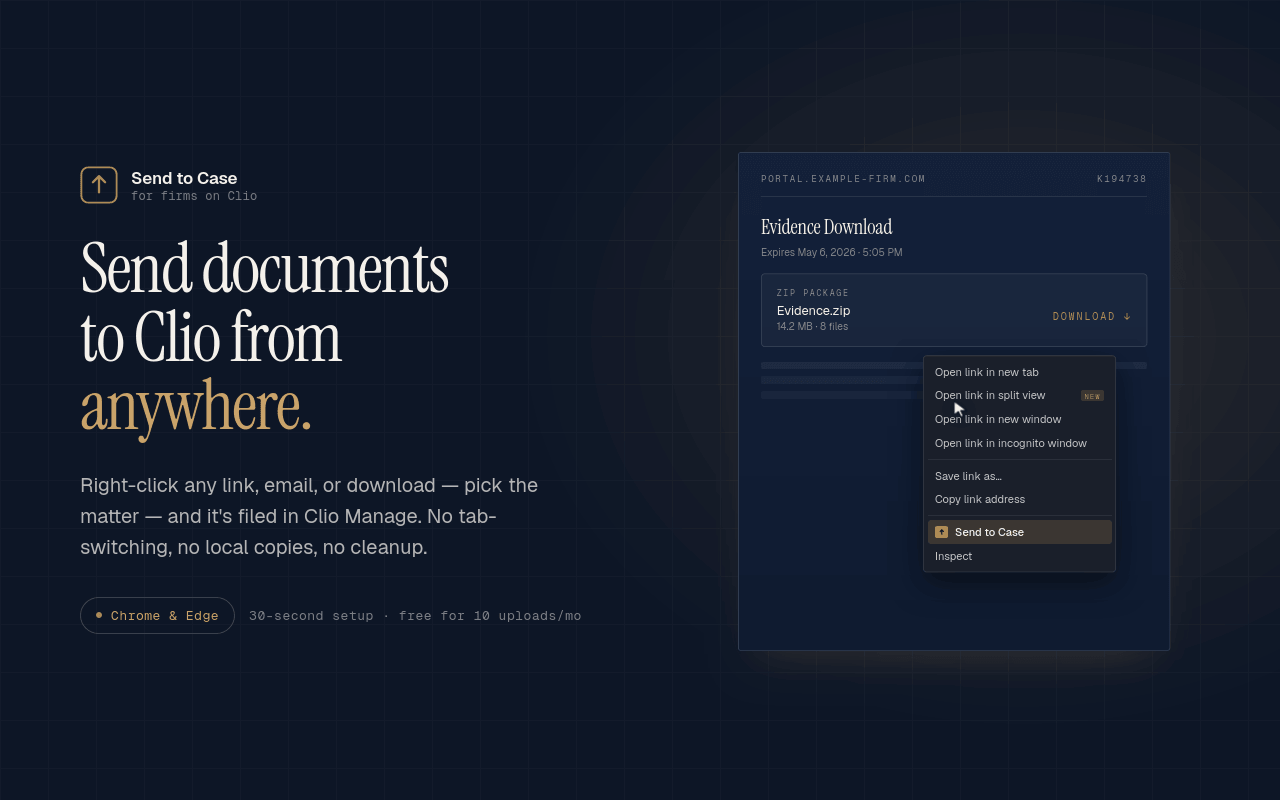
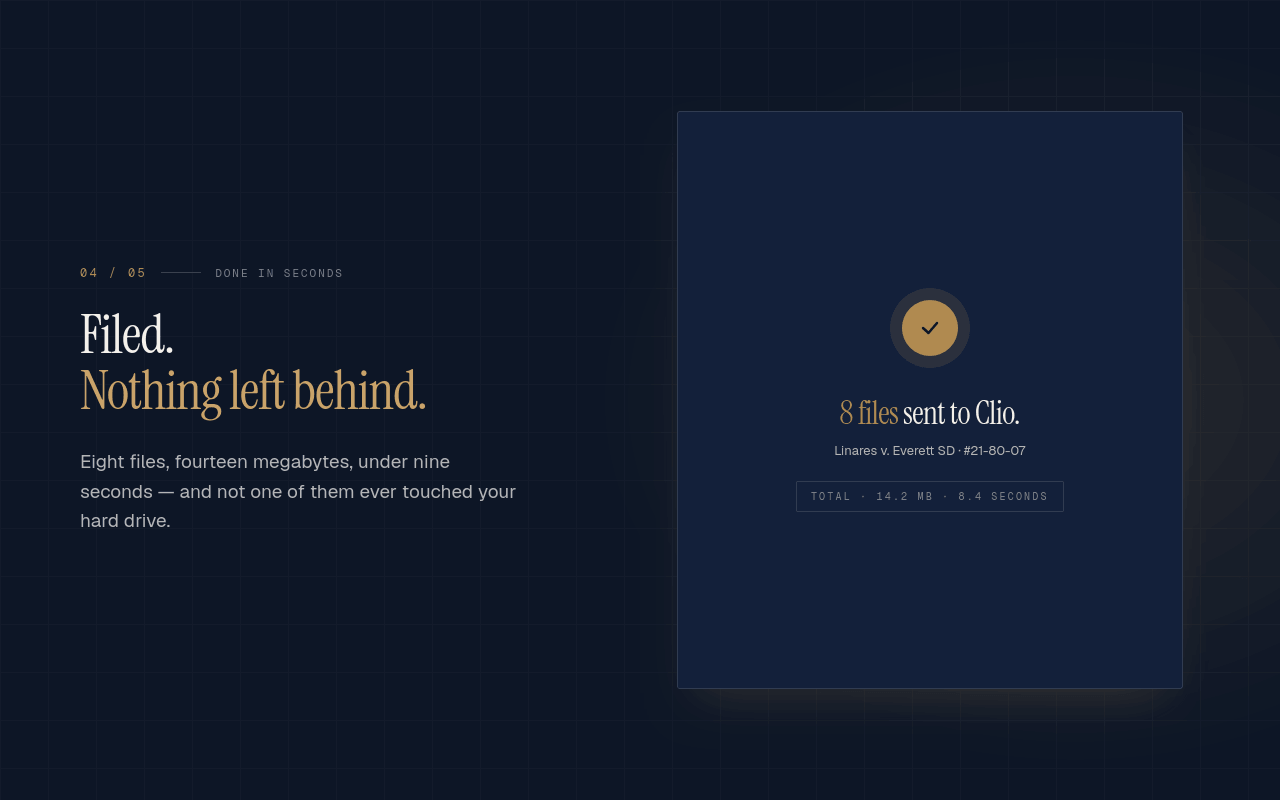
Right-click any file on the web: a prosecutor's discovery portal, a SharePoint or OneDrive link from opposing counsel, a records service, an email attachment. Save it straight to the right Clio matter. No saving to your desktop first, no re-uploading, no stray copies on shared machines. -

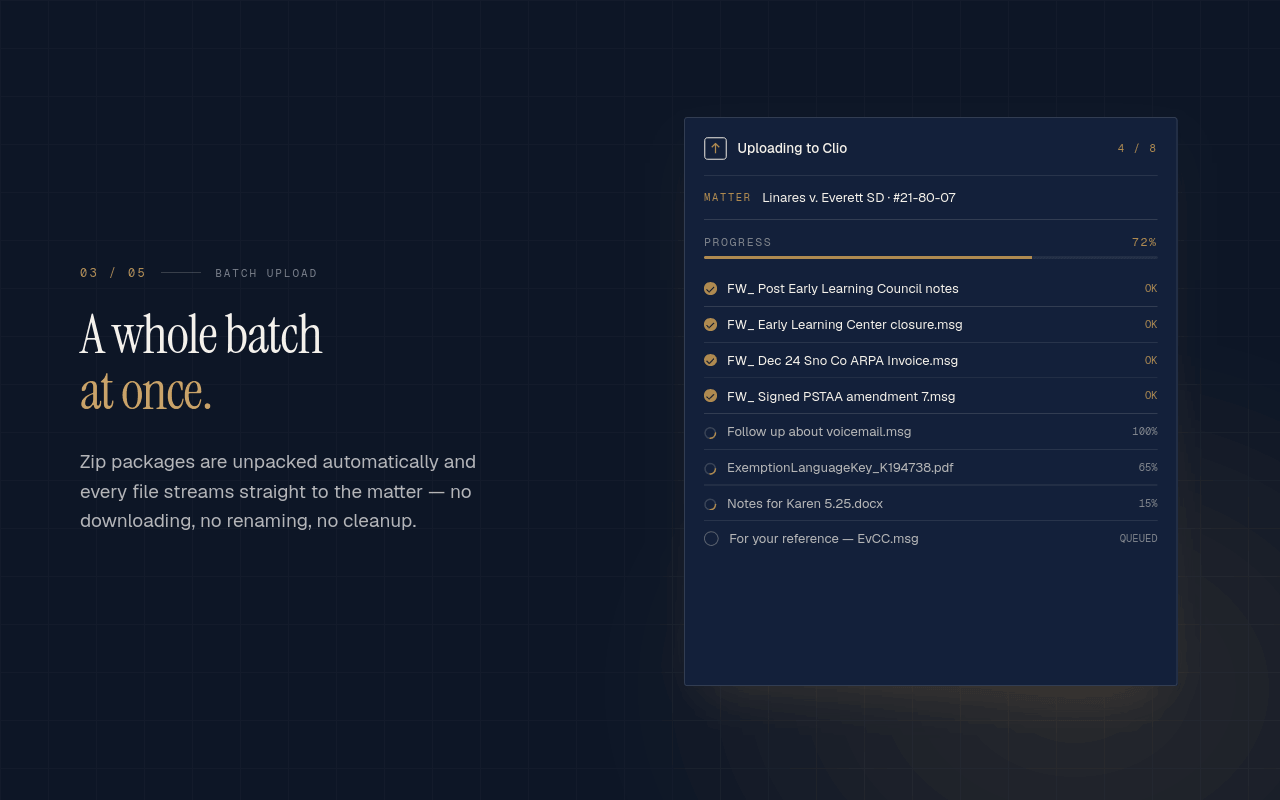
Files upload directly to Clio, never to us
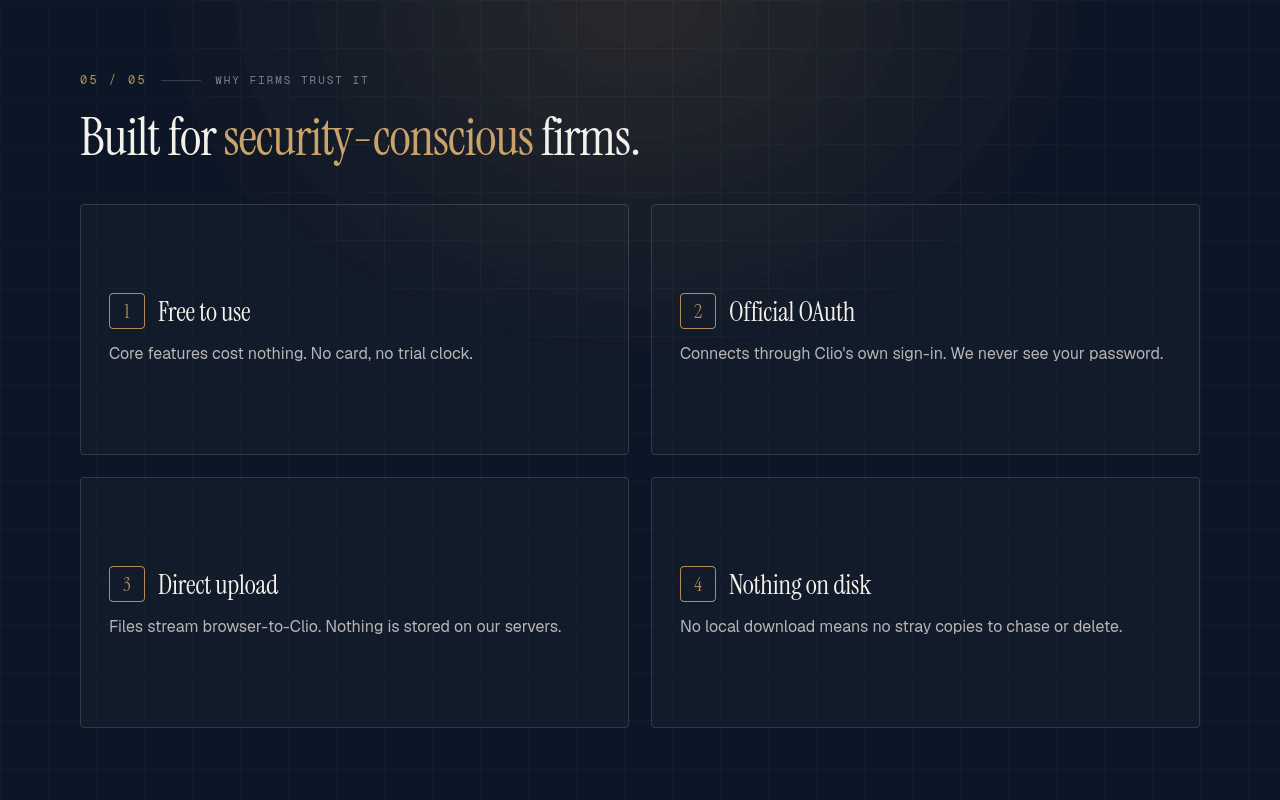
Files upload directly from your browser to Clio's storage over HTTPS, using upload URLs from Clio's API. Our servers never touch them. Your Clio OAuth tokens stay in your browser's local extension storage on your device; we don't store them on our infrastructure. -

Built for documents that arrive from outside your firm
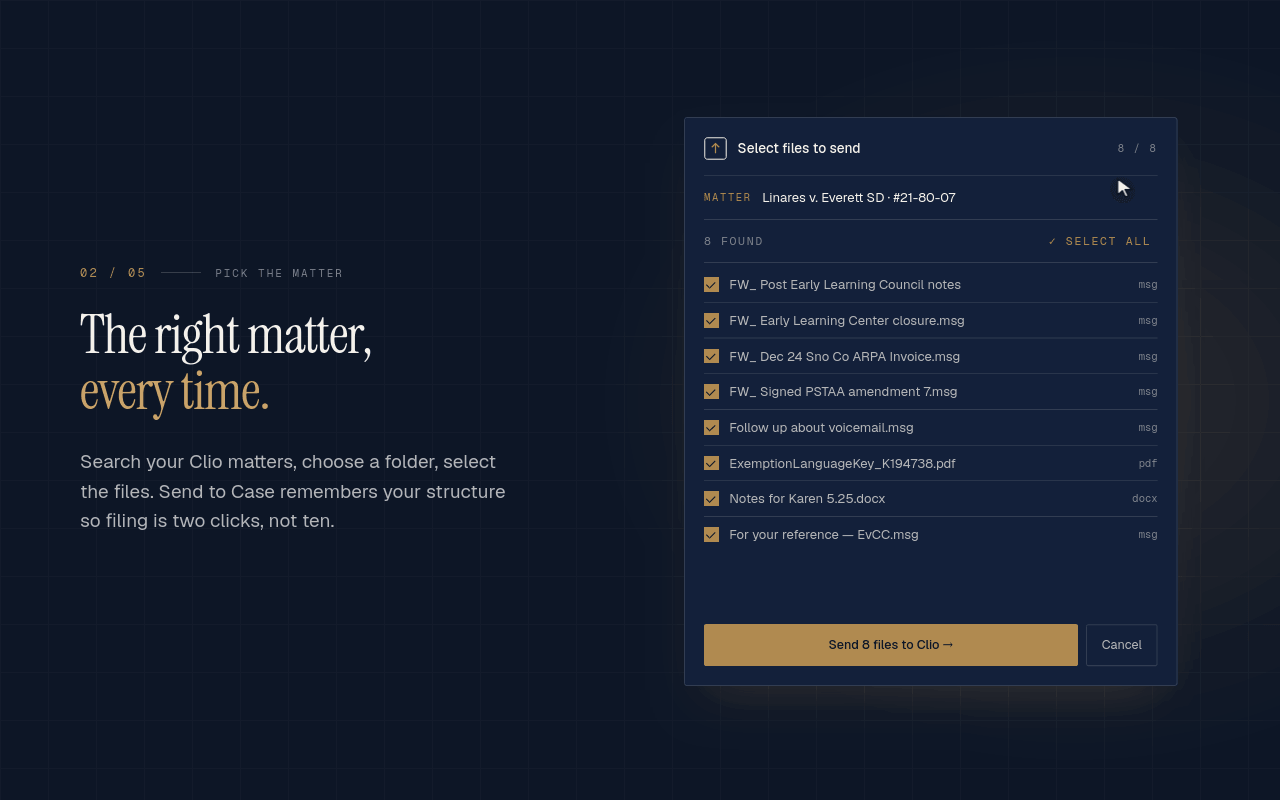
Clio's native integrations sync your firm's own repositories. Send to Case covers files shared from outside: someone else's SharePoint, OneDrive, Google Drive, or Dropbox, court sites, and download portals. Capture them one at a time or in bulk, rename them, and Clio's matter permissions still apply.
How Send to Case – File Management works with Clio
-
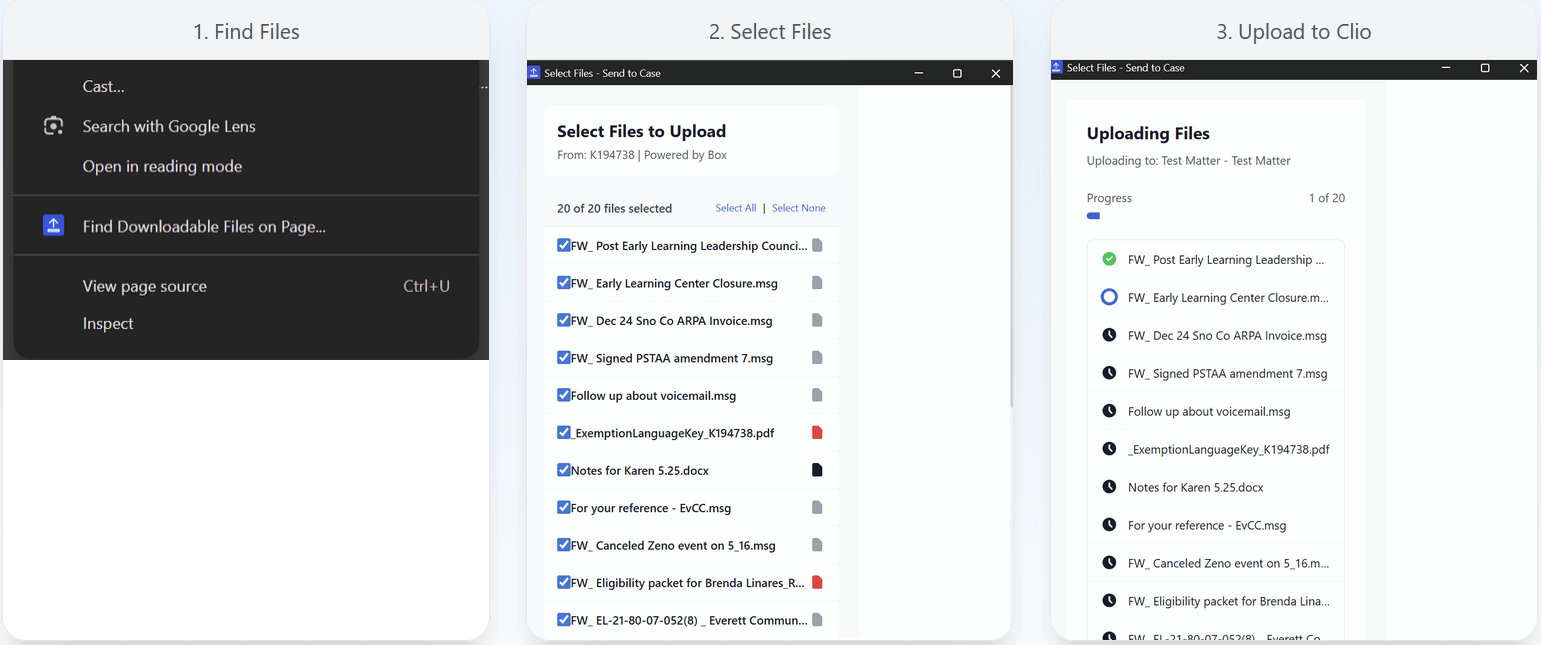
Works where legal documents actually live
Gmail attachments. SharePoint and OneDrive share links. Dropbox and Google Drive links. Discovery and evidence portals like Axon Evidence.com, ShareFile, and Odyssey File & Serve. PACER/ECF and court sites. Records services like ChartSwap. If you can download it in Chrome, you can upload it to Clio and file it to the matter in one step. Send to Case complements Clio document management: Clio stays the system of record; this Chrome extension is the fastest way to get web-delivered documents into it.
-
Security & architecture
Read our full Security & Architecture page (https://sendtocase.com/security) for IT managers and security reviewers: what data we receive, where your OAuth token lives, what the token can do, and how to revoke it.

Browse by category
Helpful resources
-
Getting set up
If you need detailed instructions on connecting Send to Case – File Management to Clio, you may visit this site.
-
Security and privacy policy
We are committed to protecting your privacy.
View Send to Case – File Management’s privacy policy, terms of service and security policy. -
Additional support
Contact Send to Case – File Management’s support at [email protected].