Canon CaptureOnTouch Plugin
Get a Clio product walkthrough. Request a demo.

Key benefits for your firm
-


Digitize your paper documents with ease of use
Streamline your document digitization and management workflow, when run with compatible Canon imageFORMULA document scanners, best known for ease-of-use, reliable feeding and durability -

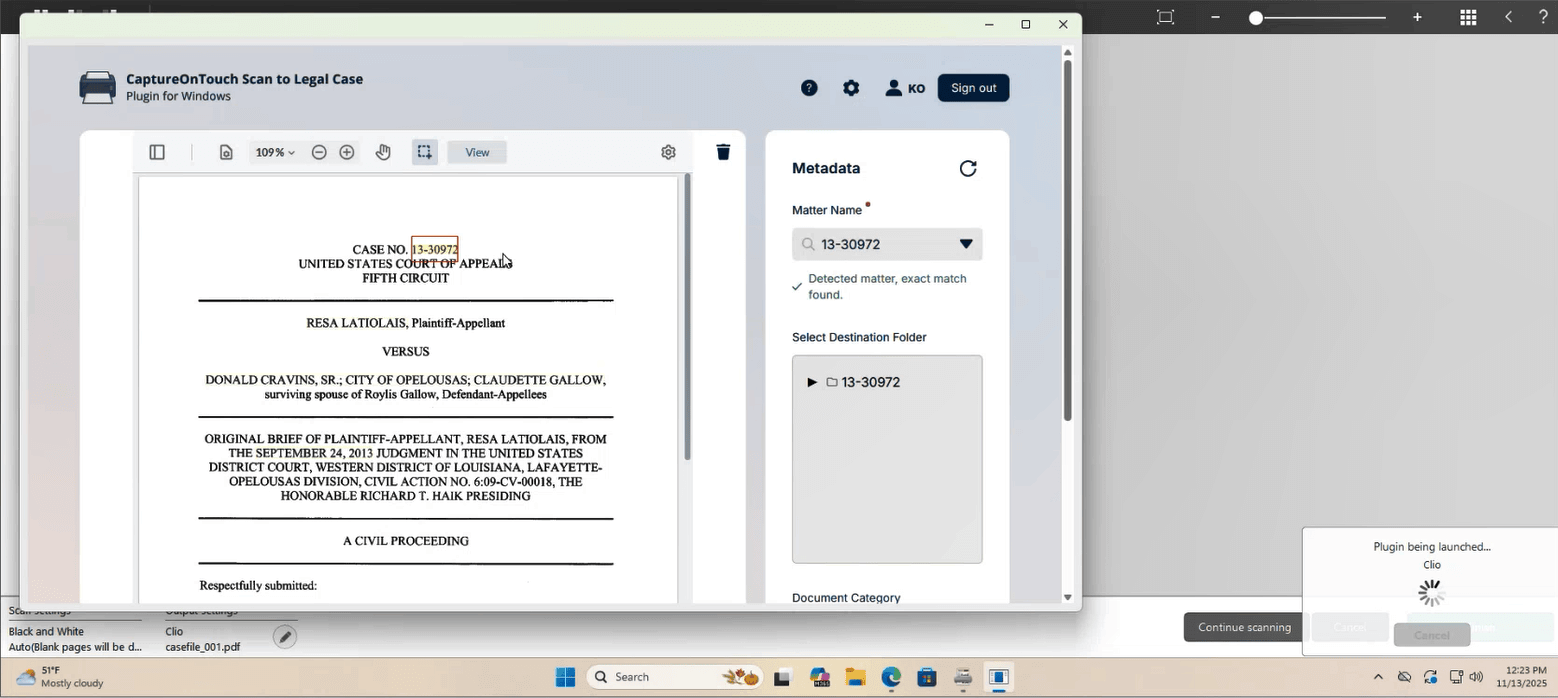
Automatic image enhancement and data extraction
Reduce time spent configuring software to optimize settings (to crop, correct skew, skip blank page, etc.) per individual documents or manually inputting information extracted from them -

Create searchable PDFs using text keywords
Turn hardcopy documents into high-quality, encrypted electronic files to act upon, such as for search, retrieval, sharing, emailing to your clients or feeding RPAs and AI engines for content and context recognitions
How Canon CaptureOnTouch Plugin works with Clio
-

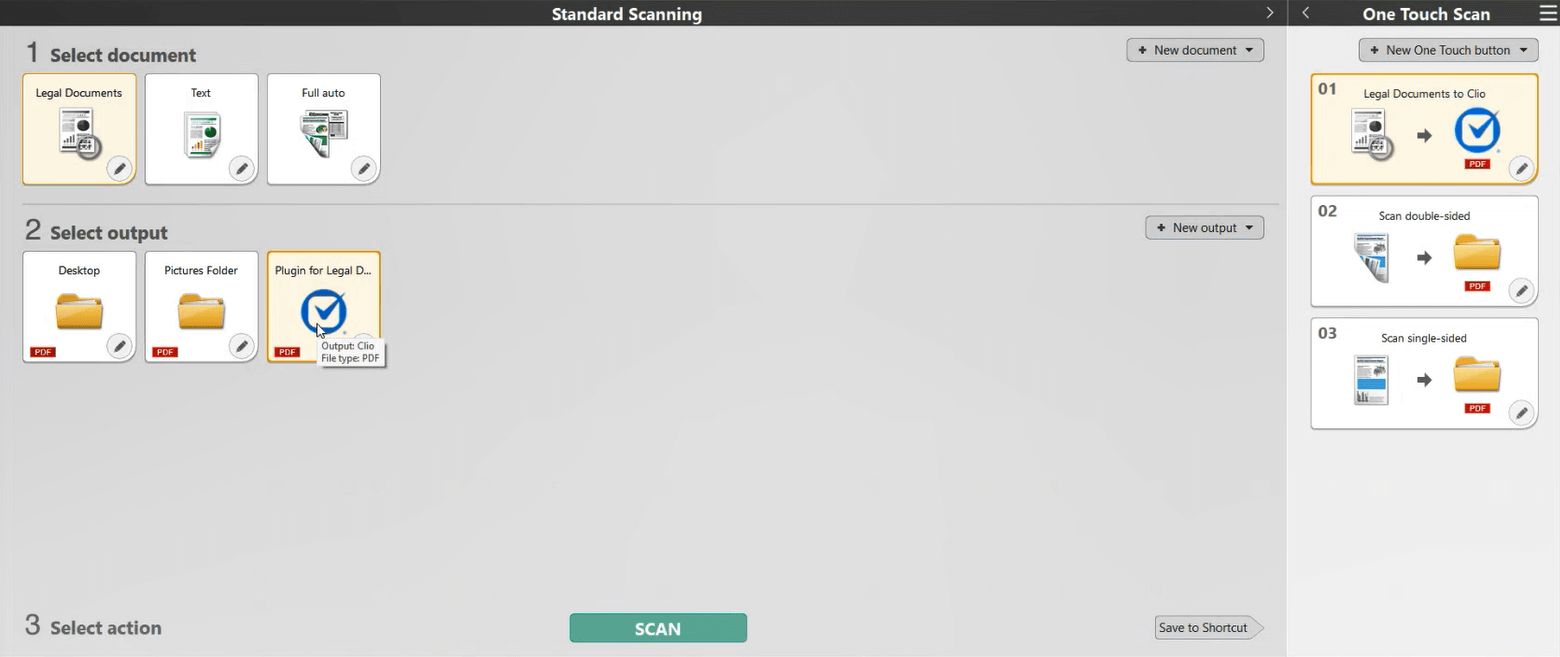
Integrate directly to your Clio Manage account
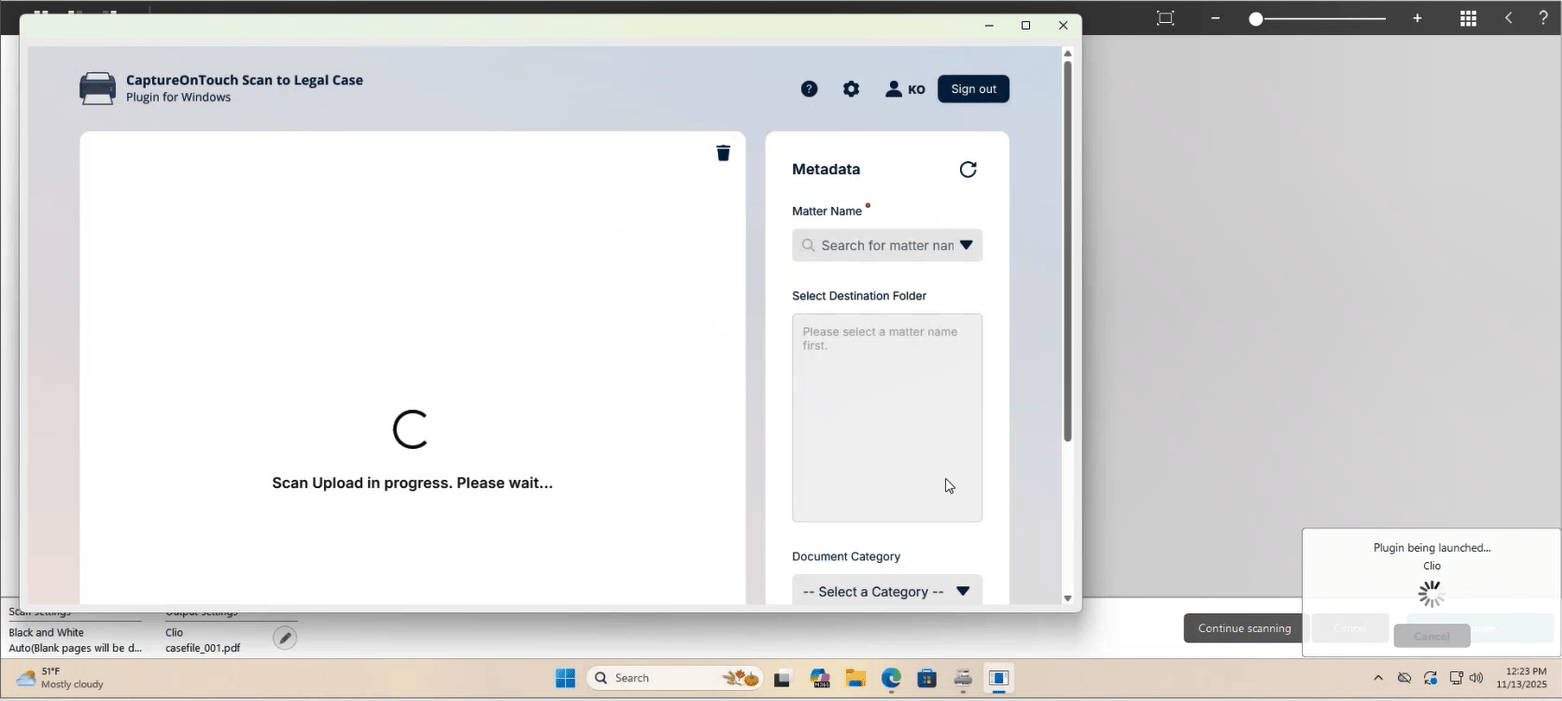
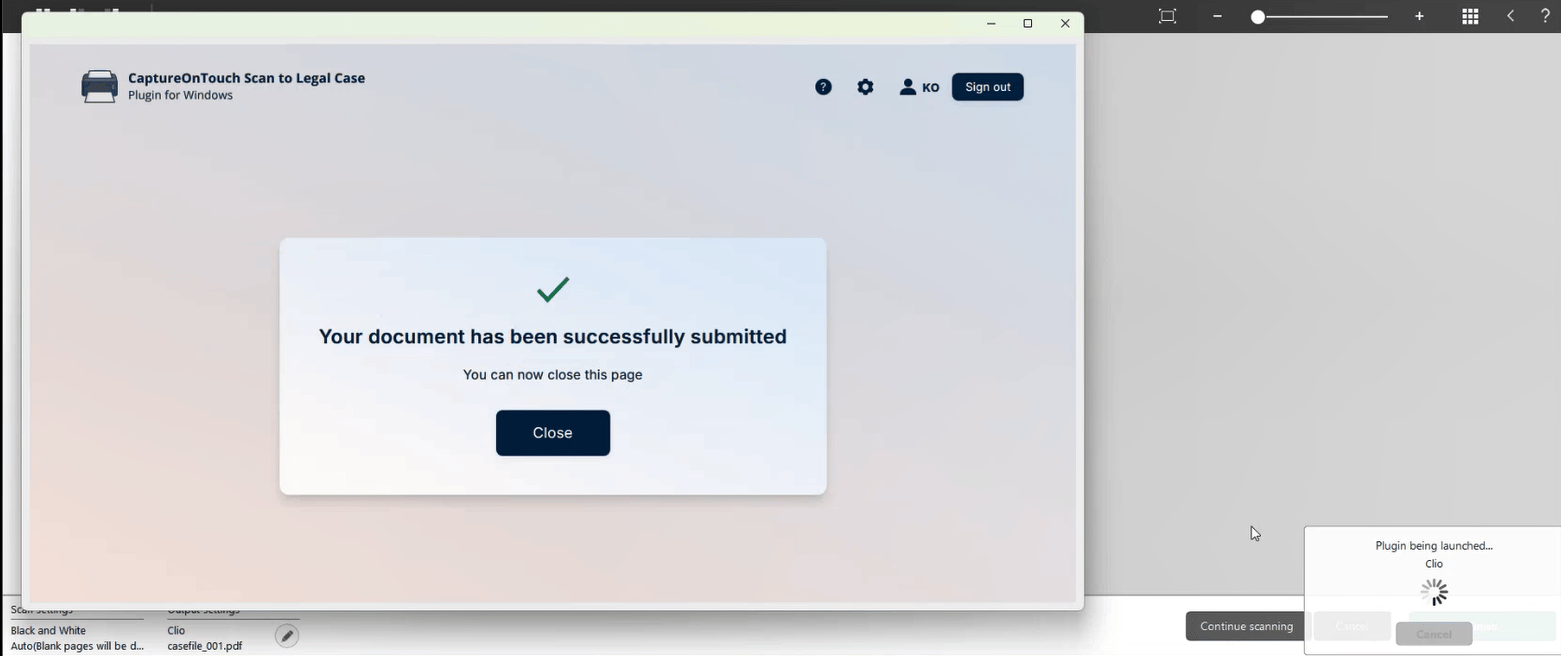
Integrate with Clio Manage so you can scan and upload your documents directly to your Clio Manage account
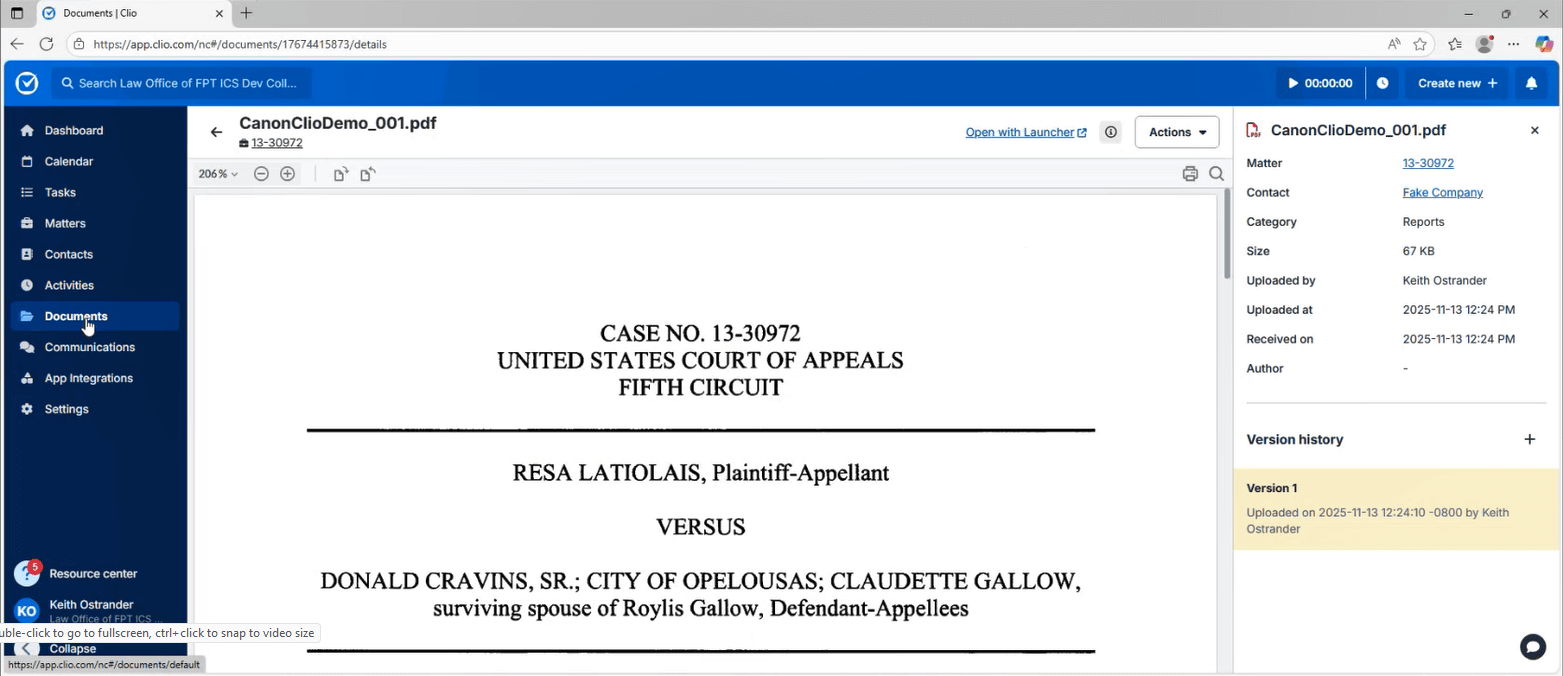
Once scanned on a compatible Canon imageFORMULA document scanner, hardcopy documents turn into electronic files, from which key information, such as Matter ID is automatically detected, extracted and parsed into pre-defined fields for review and any correction. The electronic files are then uploaded directly to Matter and Documents in your Clio Manage account -
Media gallery

Browse by category
Helpful resources
-
Getting set up
If you need detailed instructions on connecting Canon CaptureOnTouch Plugin to Clio, you may visit this site.
-
Security and privacy policy
We are committed to protecting your privacy.
View Canon CaptureOnTouch Plugin’s privacy policy, terms of service and security policy. -
Additional support
Contact Canon CaptureOnTouch Plugin’s support at https://www.usa.canon.com/contact-us/support